IPTV Subscription UK: Costs, What's Included & How to Choose
Internet television has rapidly changed how people watch live TV, sports, and movies. Instead of paying high prices for traditional cable or satellite services, millions of people now use IPTV subscriptions to access thousands of channels online.
Last updated: March 2026
In this guide, we will explain what an IPTV subscription is, how it works, what to look for, and how to choose the best IPTV subscription UK plans.
This article is based on 6+ years of experience in the IPTV industry serving more than 50,000 customers worldwide.
For data-backed trends, see our IPTV statistics for 2026 covering market growth, UK viewing habits, and device usage. You can also compare IPTV plans to find options that match your budget.
What Is an IPTV Subscription?
An IPTV subscription allows users to watch television content using an internet connection instead of satellite or cable signals.
IPTV stands for Internet Protocol Television, meaning content is delivered through internet networks rather than traditional broadcast methods.
With a typical IPTV subscription you can access:
- Live TV channels
- Sports channels
- Movies and TV series
- Video-on-demand libraries
- International channels
Most IPTV subscriptions today provide thousands of channels and massive VOD libraries.
For example, many modern services offer:
- 13,000+ live channels
- 50,000+ movies
- 10,000+ TV series
covering regions like:
- UK
- USA
- Ireland
- Europe
- Spain
- Asia
How IPTV Subscriptions Work
IPTV services work by delivering video streams through internet servers instead of satellite signals.
The process usually works like this: 1. You purchase an IPTV subscription. 2. You receive login credentials or an M3U playlist. 3. You install an IPTV app on your device. 4. You enter the login details. 5. The app connects to IPTV servers and loads the channel list.
Once connected, you can instantly watch live TV, sports, and movies.
Devices That Support IPTV Subscriptions
One of the biggest advantages of IPTV is device compatibility.
Based on real customer usage over the past 6 years, the most common devices people use are:
Firestick (Most Popular)
Amazon Firestick is the most widely used device for IPTV because it is affordable and easy to install apps.
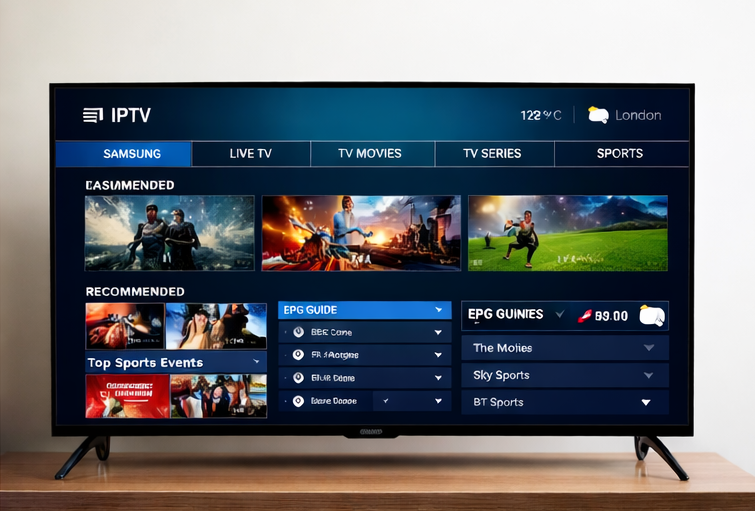
Samsung Smart TV
Many customers prefer Samsung TVs because they support IPTV apps directly.
Android TV
Android-based televisions support a wide range of IPTV applications.
MAG Boxes
MAG boxes are dedicated IPTV devices often used by advanced users.
iPhone / iPad
Some users stream IPTV using mobile devices through IPTV apps.
Windows PCs
Desktop usage is less common but still possible.
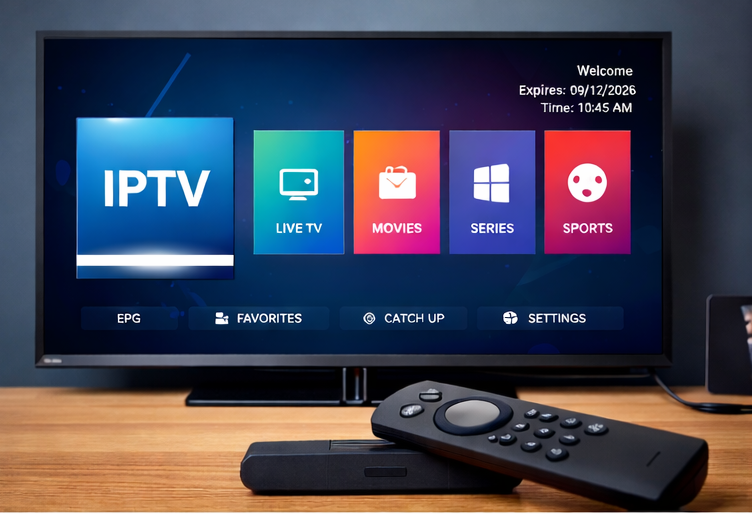
IPTV Apps Most People Use
To watch IPTV, users install apps that load IPTV playlists.
Some of the most popular IPTV apps include:
- IPTV Smarters
- TiviMate
- Smart IPTV
- XCIPTV
- IBO Player
Choosing the right app matters — see our Best IPTV apps guide for detailed comparisons by device.
Firestick users often install side-loaded APK apps for better performance.
Pros and Cons of IPTV Subscriptions
Pros:
- Much lower cost than traditional pay-TV packages
- Thousands of channels and on-demand content in one place
- Works on multiple devices: Firestick, Smart TV, phone, tablet
- No satellite dish or cable installation
- Easy to switch providers or cancel
- International channels from UK, USA, Europe, and more
Cons:
- Depends on internet speed; slow or unstable connections cause buffering
- Quality varies by provider; some services have unreliable streams
- Not all providers offer official app store apps (some require side-loading)
- Legal status depends on content licensing; choose licensed providers
IPTV vs Cable and Satellite TV (UK) — Quick Comparison
| Feature | IPTV Subscription | Cable / Satellite TV |
|---|---|---|
| Typical monthly cost | £5–£6 (annual £52–£64) | £70–£120+ |
| Live TV | Yes, thousands of channels | Yes, bundle-dependent |
| Live sport | Varies by provider — check the channel list | Often extra add-ons |
| On-demand movies/series | Large libraries | Varies by package |
| Installation | None (internet only) | Engineer visit, dish/cable |
| Contract | Monthly or annual, flexible | Often 12–18 month contracts |
| Device flexibility | Firestick, Smart TV, phone, etc. | Set-top box, limited devices |
For full UK IPTV plans, compare options to find the right fit.
Common Problems With IPTV Subscriptions
Many new IPTV users face problems when choosing a provider.
From experience working with 50,000+ customers, the most common issues are:
- Buffering
- Unstable channels
- Bad apps
- Poor customer support
How Professional IPTV Services Avoid These Problems
Reliable IPTV services use better infrastructure to ensure stability.
For example, modern IPTV platforms use:
- Load balancers to distribute traffic across multiple servers
- Multiple CDN networks to store movies and series across regions
- Multiple channel sources so channels stay available
- Lightweight apps for smoother performance
These technologies help maintain a smooth experience for thousands of users simultaneously.
How to Choose a Reliable IPTV Subscription (What Savvy Users Usually Look For)
When evaluating providers, focus on these practical checks:
- Free trial: A trial lets you test streams, apps, and support before paying.
- Device compatibility: Confirm support for your device; Firestick is the most common, so check Fire TV apps or side-load options.
- Support responsiveness: Look for live chat, email, or WhatsApp and realistic response times.
- Buffering and uptime: Ask about CDN coverage and server redundancy; read reviews for stability.
- App options: Support for popular apps (IPTV Smarters, TiviMate, IBO Player) gives flexibility.
- Refunds and transparency: Clear terms, refund policy, and company/contact details signal reliability.
Compare best UK IPTV services services to find one that meets these criteria.
What People Watch Most on IPTV
IPTV subscriptions are especially popular for sports IPTV and premium content.
The categories people use it for most are:
- Live sport
- Films and box sets on demand
- International and foreign-language channels
- General entertainment and news
Because IPTV is delivered over the internet rather than a dish, a single service can carry content from several countries. Which channels any given provider actually carries varies, so check the channel list against what you watch before you pay.
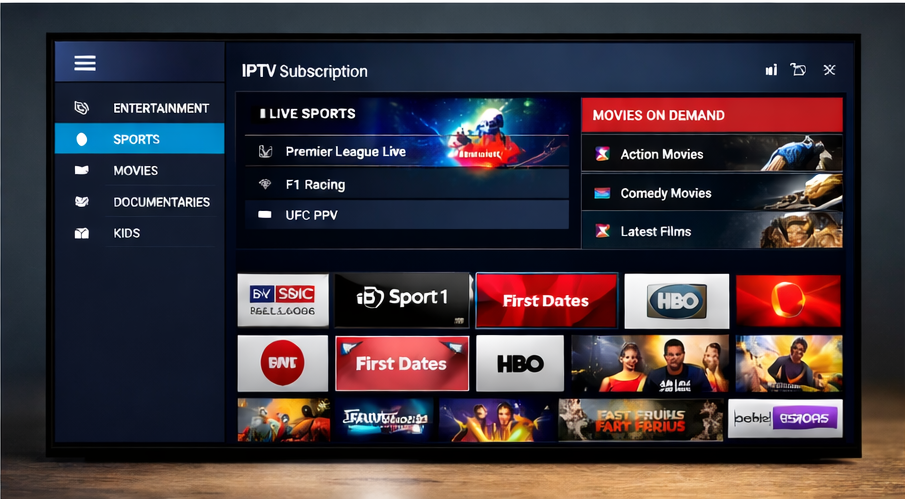
IPTV vs Cable or Satellite Pricing
One major reason people switch to IPTV is the cost.
Traditional pay-TV packages can cost £70–£120 per month depending on sports add-ons.
IPTV subscriptions typically cost up to 90% less.
Example pricing: annual IPTV plans starting around £64, with promotional offers sometimes as low as £52 per year.
This gives users access to thousands of channels at a fraction of traditional TV costs.
What Our Own Plans Cost
Most guides quote vague ranges, so here are the actual prices you pay on this site. Price depends on how many devices stream at the same time, not on a channel tier — every plan carries the same content.
| Plan length | 1 device | 2 devices | 3–5 devices | Cost per month (1 device) |
|---|---|---|---|---|
| Monthly | £14.99 | £19.99 | £24.99 | £14.99 |
| 3 months | £24.99 | £29.99 | £34.99 | £8.33 |
| 12 months | £64.99 | £79.99 | £99.99 | £5.42 |
Three things follow from that table:
of the monthly price per month, for identical access.
another £14.99, and the price is capped at the three-device rate for four and five devices.
- Commitment, not content, is what lowers the price. The 12-month plan works out at roughly a third
- Extra devices cost less than extra subscriptions. A second simultaneous stream adds £5 a month, not
- There is no long contract at any length. A monthly plan is the sensible way to test the service on
your own broadband before committing twelve months. Current prices and what each plan includes are on the IPTV subscription plans page.
How Many Devices Can Stream at Once?
One subscription is not one screen. What you are buying is a number of simultaneous connections, and you can install the app on as many devices as you like — the limit is how many play at the same time.
| Simultaneous streams | Typical household | Monthly | 12 months |
|---|---|---|---|
| 1 | One TV, or one viewer at a time | £14.99 | £64.99 |
| 2 | Living-room TV plus a bedroom or phone | £19.99 | £79.99 |
| 3–5 | Family watching different things at once | £24.99 | £99.99 |
If a stream stops when someone else starts watching, you have hit the connection limit rather than a fault with the service.
Start Watching in Three Steps
Activation is not an engineer visit. The whole process is usually minutes, not days.
1. Choose a plan length and number of devices on the plans page. 2. Receive your login details — either an Xtream Codes login (server URL, username, password) or an M3U playlist URL. Keep them; you will re-enter them if you change device. 3. Add those details to a player app on your TV, stick or phone, then let the channel list and TV guide load.
Device-by-device instructions are in our setup guides, linked in the table below. If a trial is available, run these same three steps on the trial first — see IPTV free trial UK.
Real Customer Case Study
Over the past 6 years, thousands of users have switched from cable or satellite services to IPTV.
Customer feedback has been overwhelmingly positive.
For example, the service currently holds a 4.7 rating on Trustpilot with 65+ verified reviews from real users.
Common feedback includes:
- Better sports access
- Lower monthly cost
- More international channels
- easier streaming on multiple devices
Many users report saving hundreds of pounds per year compared to cable subscriptions.
Which App to Use on Which Device
The subscription supplies the channels; the app is how you watch them. Most problems people blame on a provider are actually the wrong app for the device.
| Device | Apps most people use | Login type | Setup guide |
|---|---|---|---|
| Amazon Firestick | TiviMate, IPTV Smarters Pro | Xtream Codes or M3U | Firestick |
| Android TV / Google TV box | TiviMate | Xtream Codes, M3U or Stalker | TiviMate setup |
| Samsung (Tizen) / LG (webOS) | Smart IPTV, IPTV Smarters | Xtream Codes or M3U | Samsung & LG |
| iPhone / iPad | IPTV Smarters, GSE Smart IPTV | Xtream Codes or M3U | iPhone & iPad |
| MAG box | Built-in portal | Portal URL | MAG setup |
| Windows PC or laptop | VLC, IPTV Smarters | Xtream Codes or M3U | Windows |
TiviMate is Android TV only, so Samsung and LG owners either use Smart IPTV or add a Firestick or Android box. A side-by-side comparison is in TiviMate vs IPTV Smarters Pro, and Xtream Codes vs M3U explains the two login types.
TV Guide (EPG), Catch-Up and On-Demand
Three things separate a service that feels like television from a list of streams:
guide, reminders and recordings line up with what is actually on. When it is missing or wrong, the channels still play but the app feels broken.
- EPG (the on-screen TV guide) — the schedule data your app displays. When the EPG is accurate, the
- Catch-up — replaying a programme that has already aired, where the provider supports it.
- On-demand (VOD) — films and series you start when you like, separate from the live channels.
Ask about EPG quality specifically before you pay. It is the most common gap between a cheap service and a usable one, and it is the hardest thing to judge from a channel-count claim.
What Internet Speed You Need
IPTV is ordinary internet traffic, so any UK broadband connection can carry it. What matters is the speed available per simultaneous stream:
| Picture quality | Guideline speed per stream |
|---|---|
| SD | about 5 Mbps |
| HD (1080p) | about 10 Mbps |
| 4K | about 25 Mbps |
Two 4K streams therefore want roughly 50 Mbps of headroom, not 25. Wired Ethernet or 5 GHz Wi-Fi removes most buffering complaints on its own; a slow or congested connection looks exactly like a bad provider.
Trials, Refunds and Cancellation
broadband and the picture quality at peak time. See IPTV free trial UK.
refund policy before paying rather than after.
- Trial — trials generally run 24–48 hours, which is enough to test your own devices, your own
- Refunds — terms vary by provider, and many offer a money-back window on new subscriptions. Read the
- Renewal — check whether a plan renews automatically or simply expires, so you are not surprised at
the end of the term.
What to Check Before Buying an IPTV Subscription
If you are buying IPTV for the first time, here are three important things to check.
- Trial availability
- Device compatibility
- Customer support
For flexible pricing and options, compare UK IPTV plans to find a fit for your budget.
Best IPTV Subscription Plans in the UK
Most UK IPTV subscriptions are sold by duration rather than by package, so the main decision is how long to commit for rather than which tier to pick.
if streams, apps or support turn out not to suit you.
devices work.
- Monthly — the safest way to start. You pay more per month, but you can stop at any point
- Quarterly or six-month — a middle option once you have tested the service and know your
- Annual — the lowest effective monthly cost, and the option worth taking only after a trial
or a shorter plan has proven the service on your own connection and hardware. Because pricing scales with commitment, the sensible order is trial first, then a short plan, then annual — not the other way round. A provider that will not let you test before you commit to twelve months is telling you something.
Whichever length you choose, confirm the things listed in How to Choose a Reliable IPTV Subscription above before paying, and check the current UK IPTV plans for what is available now.
About Our IPTV Service
The service behind this guide has been operating in IPTV streaming for over 6 years and has served more than 50,000 customers. It supports Firestick, Android TV, Samsung Smart TVs, MAG devices, and mobile devices. The content library includes 13,000+ live channels and 50,000+ movies and series. The infrastructure is designed with load balancing and multiple CDN sources to reduce buffering and improve reliability. Our service currently maintains a 4.7 rating on Trustpilot based on verified customer reviews. For details on packages and pricing, see our IPTV subscription plans.
Frequently Asked Questions
Final Thoughts
IPTV subscriptions are becoming one of the most popular ways to watch live television, sports, and movies online.
With affordable pricing, massive channel libraries, and support for multiple devices, IPTV offers a flexible alternative to traditional TV services.
However, choosing the right provider is important to ensure stable streaming and reliable support. Compare IPTV subscription plans to find a service that fits your needs.